Building a Teacher's Free Digital Toolkit for the Whole Year
Instead of chasing individual apps, here's how to assemble a lean set of free tools that covers planning, grading, and admin all year.
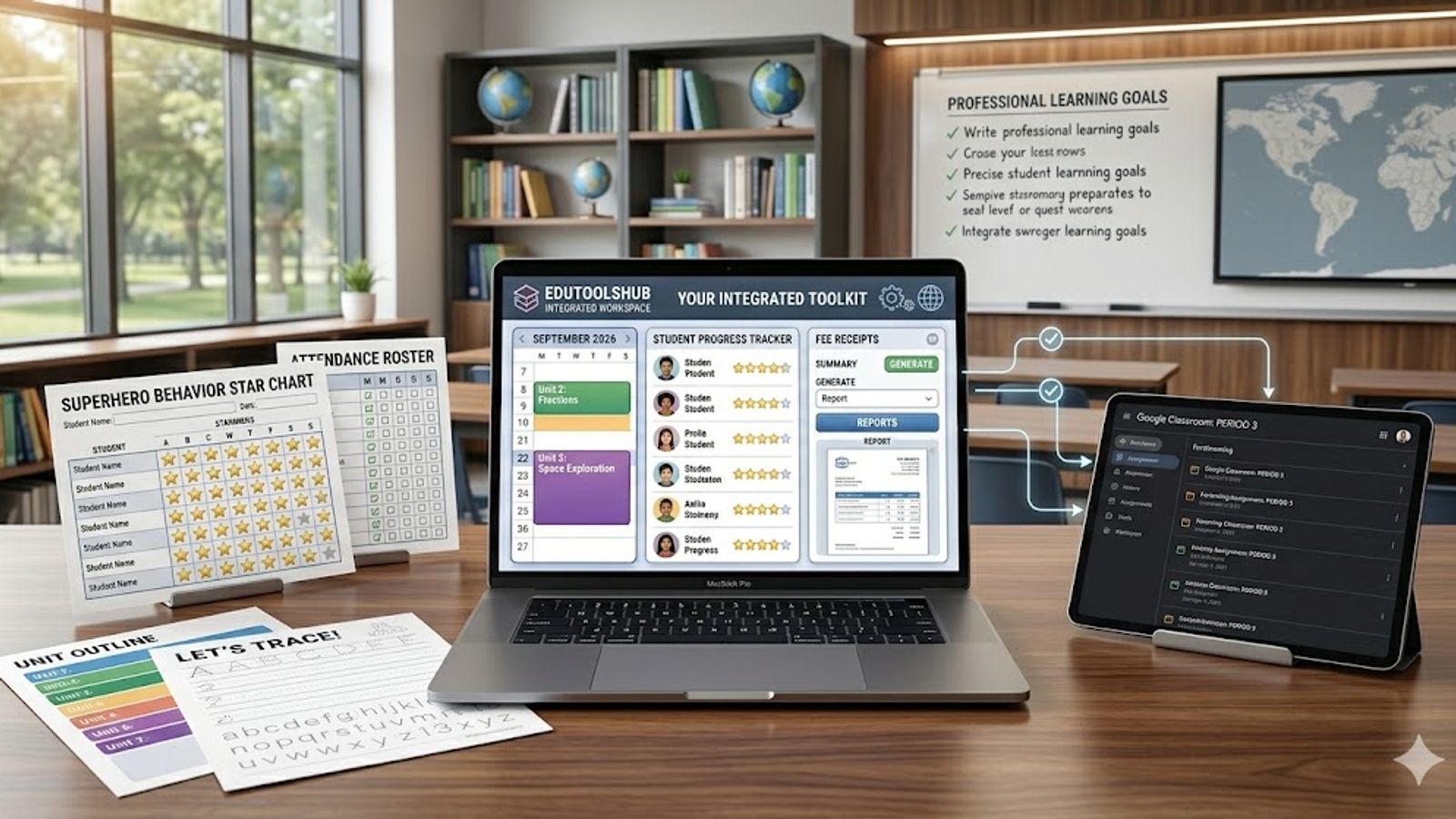
Think in Terms of a Year, Not a List
Rather than chasing individual best-of lists, it helps to think about what a teacher actually needs across a full school year: a planning system, a way to track attendance, tools for grading and feedback, and materials for recognition and printables. Assembling one solid free tool per category tends to outlast any trendy standalone app.
The Planning Layer
Everything else in a teacher's toolkit works better when it's anchored to a real plan. The lesson planner covers building lessons, calendar scheduling, curriculum standards mapping, and substitute plans, saved locally so there's no dependency on a shared account or subscription.
The Attendance and Records Layer
A printable monthly attendance sheet generator with holidays, roll numbers, and optional live marking covers the daily record-keeping most classrooms need without a dedicated information system.
The Assessment and Feedback Layer
Consistent grading depends on criteria set in advance, which the rubric generator handles, while the final grade calculator helps students and teachers alike understand what a remaining assessment needs to deliver. When it's time to write feedback, the report card comment generator turns performance levels into a solid first draft by academic, behavior, participation, and work habit categories.
The Recognition and Printables Layer
Recognition matters for motivation across the year: the certificate maker for milestones, the behavior chart generator for ongoing weekly or monthly tracking, and the tracing sheet generator for phonics, sight word, and early worksheet practice with younger students.
The Financial Record Layer
For teachers running independent classes, tutoring groups, or small programs outside a larger institution, the fee receipt generator keeps payment records printable and organized without needing separate accounting software.
Assembling the Toolkit in Practice
- Set up the year's structure in the lesson planner before the term starts.
- Start the attendance register on day one, not after the first few weeks.
- Build rubrics for major assignments before they're assigned.
- Schedule feedback checkpoints throughout the term, not only at report cards.
- Keep certificates and recognition materials ready to print on short notice.
How the Layers Reinforce Each Other
The real value of this toolkit isn't any single tool — it's how the layers connect. A rubric built at the start of a unit informs the report card comments written at the end of it; attendance patterns logged all term explain a behavior chart's ups and downs; a lesson plan mapped to the calendar makes it obvious when a milestone certificate is actually due.
Used in isolation, each tool saves a little time. Used together as a connected system across the year, they remove most of the manual cross-referencing that otherwise eats into planning periods.
Setting Up the Toolkit for a New School Year
The first week of a new term is the right time to set this system up, not the first time a report card deadline sneaks up on you. Start by building the term's structure in the lesson planner, then set up the attendance register so day-one records are already in place rather than reconstructed weeks later from memory.
From there, add the rubric generator as each major assignment is designed, and keep the certificate maker and behavior chart generator ready in the background for whenever the first milestone worth recognizing comes up — usually sooner in the term than most teachers expect.
Where to Go Deeper
Every tool mentioned here, along with a few others for specific grading conversions, is available in the full tools directory, which is worth bookmarking rather than searching for each one individually every term.
FAQ
Do I need all of these tools at once?
No. Start with the planning and attendance layers, since they're used daily, and add assessment and recognition tools as the term's needs come up rather than setting up everything in the first week.
Are these tools free to use fully, or just to start?
They're designed as free, standalone generators for individual teacher use, with no account required to try the core functionality.
How do I keep this toolkit from becoming another source of clutter?
Stick to one tool per category listed here rather than adding overlapping alternatives, and review the set once a year rather than mid-term.
What if my school already uses a paid system for some of this?
Use the free tools for anything the paid system doesn't cover well or requires extra licensing for, rather than duplicating functionality you're already paying for elsewhere.
Is it worth involving students in any part of this toolkit?
For older students, sharing the rubric and letting them track their own standing with the grade calculators builds ownership over their results, rather than leaving grading and feedback as something that only happens to them at report card time — it also reduces the number of grade-related questions a teacher fields outside of scheduled check-ins.
Found this useful?
Try our free tools — calculate your GPA, check college GPA requirements, or generate an attendance sheet in seconds.