AI in Lesson Planning: Save Time Without Sacrificing Quality
AI-powered tools can turn lesson planning into a faster, step-by-step process—helping teachers create effective, standards-aligned lessons with ease.
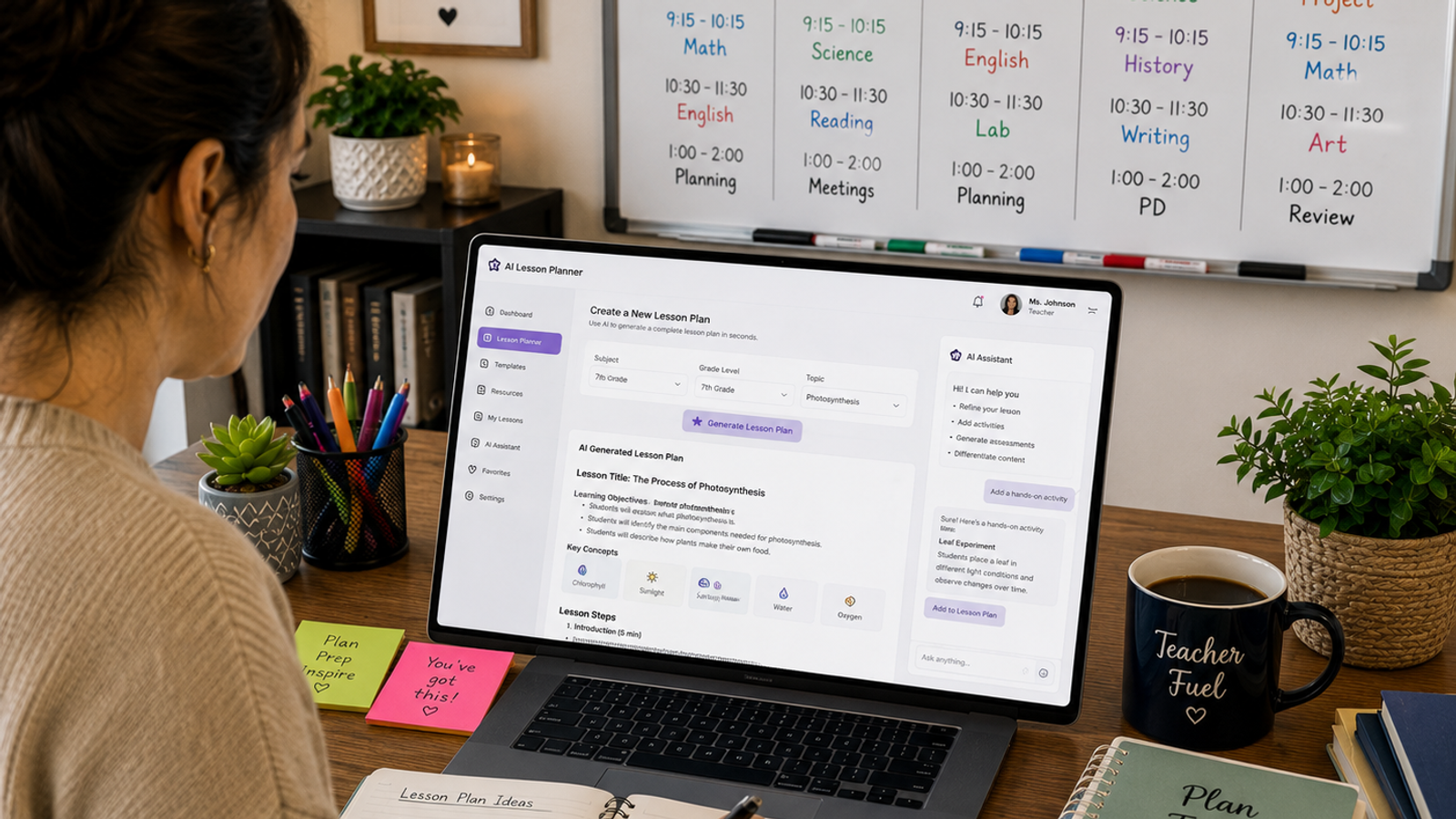
AI in Lesson Planning: Save Time Without Sacrificing Quality
Why AI Is Changing Lesson Planning
Lesson planning has always been one of the most time-consuming parts of teaching, often stretching into evenings just to keep up with the week ahead. AI tools now take on the repetitive parts, like drafting objectives, suggesting activities, and formatting a plan from scratch. Instead of staring at a blank page, teachers can generate a rough outline in minutes and spend the rest of their time refining it.
Whether you call it lesson planning or the occasional typo of lesson planing, the need for a faster process stays the same. An AI-powered lesson plan generator can speed up creating lesson plans even further, giving teachers a running start before they add their own expertise.
Key Features Worth Looking For
Not all AI planning tools offer the same value. The strongest ones translate a broad topic into clear, measurable learning objectives, often the hardest part of planning a lesson. Many also generate activities, discussion questions, and quick assessments based on grade level and subject.
Look for differentiation support, exportable plans, and curriculum alignment. These features turn a generic chatbot into a true lesson-planning partner for teachers. The best tools help set clear learning goals and lesson objectives first, then build learning activities and formative assessments around what students need to learn, so every effective lesson plan produces standards-aligned lesson plans instead of a loose collection of ideas.
The Real Benefits for Teachers
Where AI Falls Short
AI-generated content still needs careful human review before it reaches a classroom. It can miss context like prior lessons or specific student needs that only a teacher would know.
Suggested activities can feel generic without personalization, and accuracy isn't guaranteed, especially in specialized subjects. Cost can also be a barrier, since advanced tools with strong features often require a paid subscription. AI also can't stand in the room to check for understanding, so that judgment call always stays with the teacher.
How to Use AI Without Losing Your Teaching Voice
Always review and personalize the output, since AI typically gets a lesson about seventy percent of the way there. Give it specific details, like grade level and prior lessons, for better results when planning a lesson that fits your students. Let AI handle structure and pacing, then add your own delivery notes.
Keep a bank of prompts that work well, and always double-check standards alignment yourself. A simple step-by-step approach helps. First, outline the lesson. Next, plan activities. Then, add an assessment. This makes it easier to create lesson content that still feels like your own.
The Bottom Line
AI is becoming a practical part of lesson planning for teachers. It does not replace good teaching. It clears away repetitive work. Used thoughtfully, it turns a blank page into a usable draft in minutes instead of hours. The teachers who benefit most treat it as an assistant, not a shortcut, reviewing every suggestion and adding the context only they have. Let AI handle the busywork, and let your own judgment handle the teaching, since that balance is what turns a quick draft into an effective lesson plan.
Found this useful?
Try our free tools — calculate your GPA, check college GPA requirements, or generate an attendance sheet in seconds.